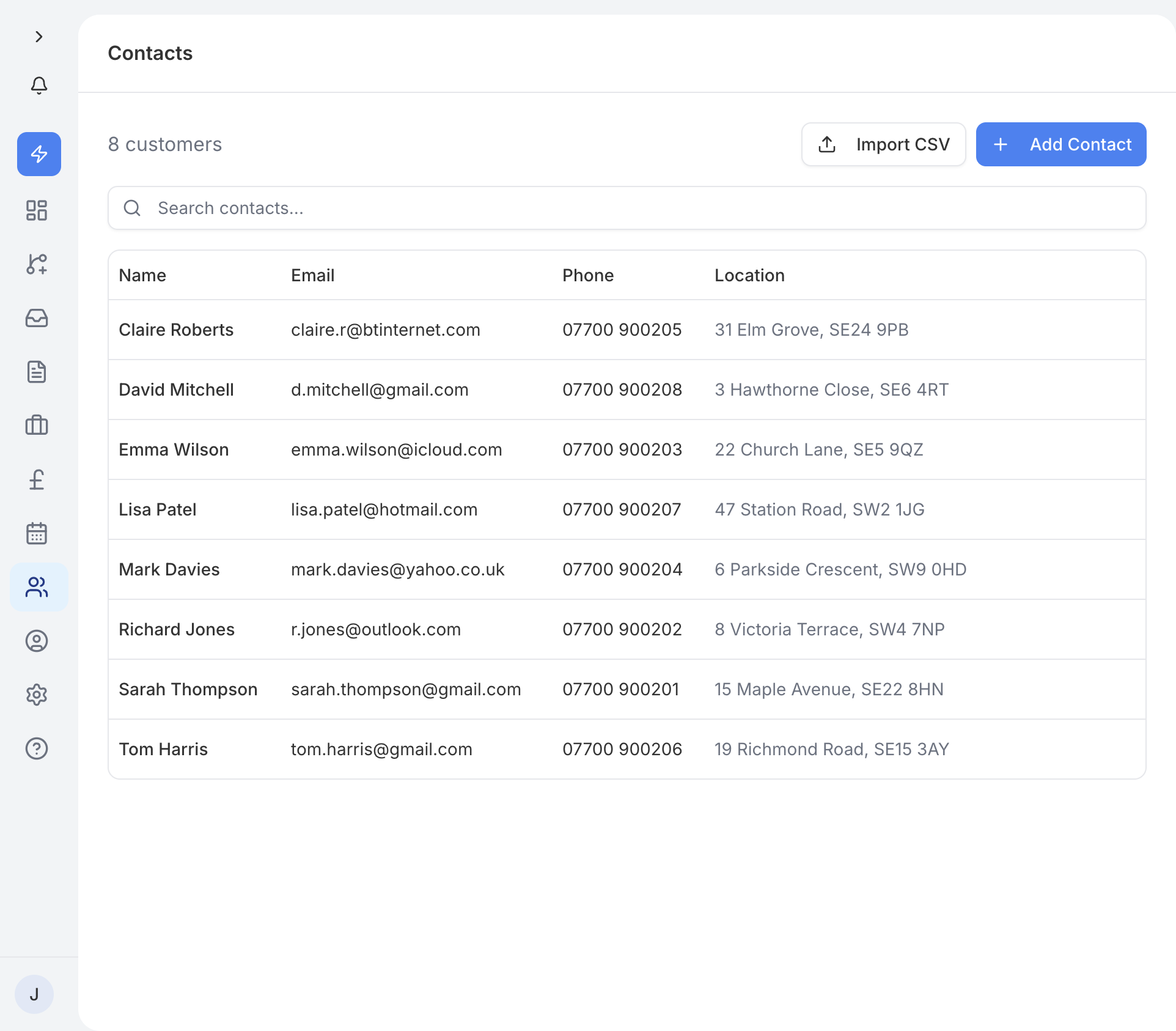
The Contacts page shows all of your customers in a searchable table. You can see each contact's name, email, phone number, and when they were added. Use the search bar to quickly find someone by name or email.
Tap the Add Contact button to create a new contact. Enter their name, email address, phone number, and any other details you have. Once saved, the contact is available to select when you create quotes, invoices, or jobs.
Open a contact and tap Edit to update their information. You can change their name, email, phone number, address, or notes at any time. Any changes are reflected across all linked quotes, invoices, and jobs.
Tap on a contact to see their full profile. This page pulls together everything related to that customer in one place:
- Contact details - name, email, phone, and address.
- Linked quotes - every quote you have sent to this customer.
- Linked invoices - all invoices raised for them, with payment status.
- Linked jobs - any jobs associated with this contact.
This gives you a complete history of your relationship with each customer without having to search through different sections.
You do not always need to add contacts by hand. Contacts are created automatically in two ways:
- From enquiries - when a customer submits an enquiry through your public profile or emails your traidhand inbox, a contact record is created using the details they provide.
- From AI prequalification - when traidhand's AI processes an incoming enquiry, it extracts the customer's name, email, and phone number and creates a contact for you.
If a contact already exists with the same email address, traidhand links the enquiry to the existing contact rather than creating a duplicate.